All products featured are independently chosen by us. However, SoundGuys may receive a commission on orders placed through its retail links. See our ethics statement.


The Sonos Beam Ultra might be all the soundbar you need
Sep 22, 2026 — 9:00 AM ET
Sonos Beam Ultra
Wi-Fi enabled


The new Sonos Beam Ultra builds on the Beam with Dolby Atmos, multiple levels of AI Speech Enhancement, and a new speaker arrangement designed to deliver more bass and a greater sense of height. At $699, it sits below the bigger Arc Ultra, and you can use it on its own or build it out with a Sub and surrounds later.
But how much are you really giving up by going with the smaller soundbar? And do you actually need to spend more? I’ve been living with the Beam Ultra, both on its own and with rear speakers, to find out.
What matters most to you in a soundbar?
What is it like to set up the Sonos Beam Ultra?
For once, I didn’t have any connection headaches setting up a new Sonos product. I plugged the Beam Ultra into my TV over HDMI eARC, connected it to Wi-Fi through the Sonos app, and that was pretty much it. If you just want a soundbar under your TV, you don’t need to know much about the rest of the Sonos ecosystem to get started.
You can keep using your TV remote for volume, use the controls on top of the Beam Ultra, or grab your phone. The Sonos app also has a neat new volume trick: put two fingers anywhere on the screen and rotate them left or right like you’re turning a dial. I thought it sounded a little gimmicky at first, but it’s actually pretty intuitive.
The app is also where you’ll find most of the settings you might actually want to tweak. You can adjust bass and treble, change the levels of the rear speakers and height channels, and access features like Speech Enhancement without much digging. I also ran Trueplay once I had the Beam Ultra set up. I did it in a quiet room, it worked on the first try, and the whole process was quick and easy. There’s more in the app if you want to mess around with it, but I never felt like I needed to constantly have my phone out just to use the soundbar. Once I had everything where I wanted it, I mostly went back to using my TV remote.
I also tried a pair of Sonos Play speakers as rear surrounds, and getting those connected was painless too. What I really like is that they don’t have to stay there. I can grab one, take it into another room, use it on its own, and bring it back when I want surrounds again. You can do the same thing with a matching pair of Move 2 speakers, but not the original Move or Roam speakers. Sonos also supports more traditional dedicated surrounds like a pair of Era 100s, but I liked the flexibility of using the Plays.
That makes a lot of sense in my 700-square-foot apartment. I don’t necessarily want two speakers permanently sitting behind my couch just for movie night. I can use them around the apartment during the day and bring them back when I want the full setup.
One thing I would check before buying: look behind your TV. The Beam Ultra connects to your TV via HDMI eARC or ARC; if your TV only has an optical output, you’ll need Sonos’ optical adapter, sold separately. Some audio formats, including Dolby Atmos, require HDMI eARC, so an older TV could limit what you get out of the Beam Ultra. That’s something I’d want to know before spending $699.
How does the Sonos Beam Ultra sound?
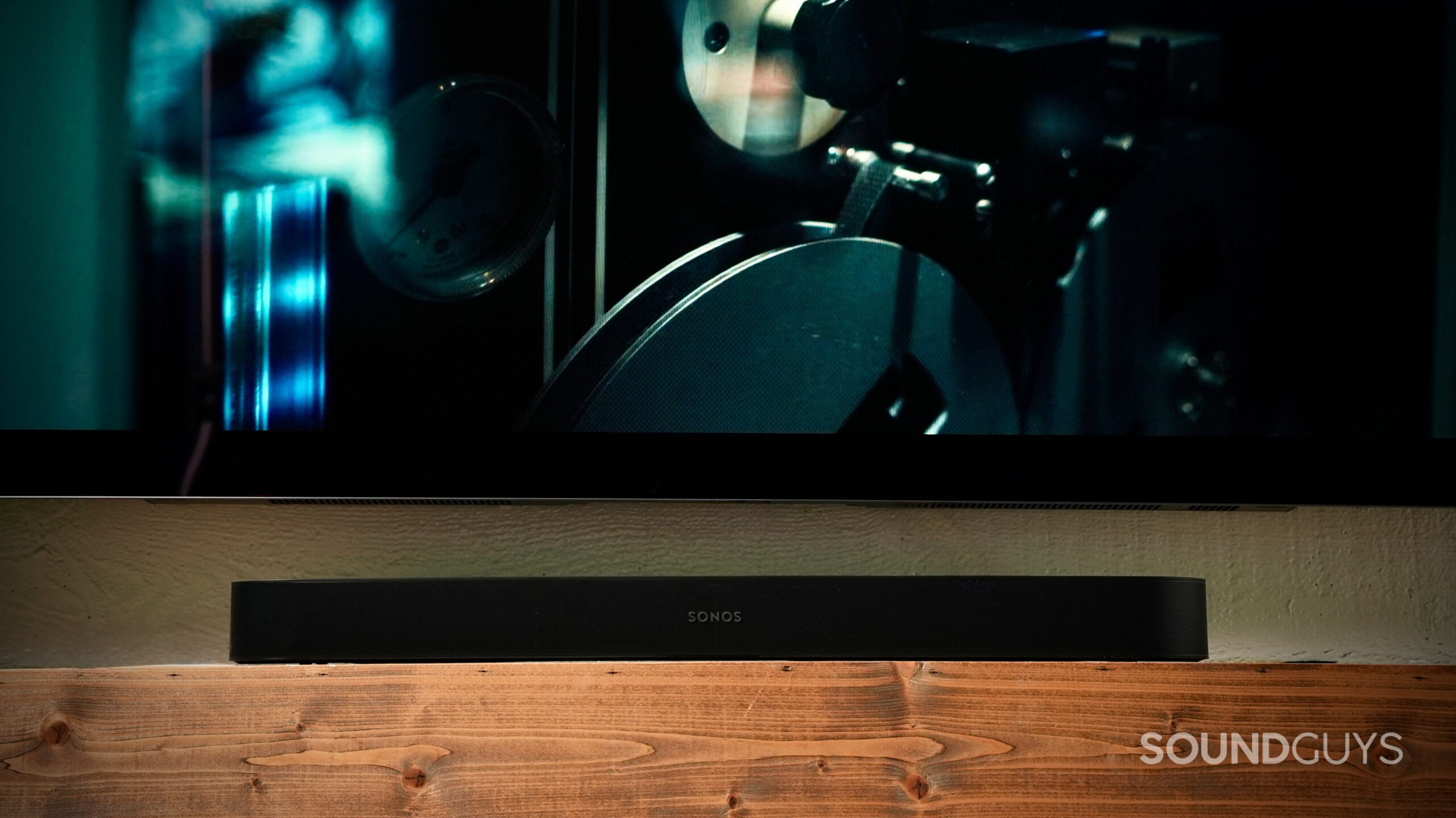
The Beam Ultra can put out a surprising amount of sound on its own. Watching All Quiet on the Western Front, explosions had good bass strength, gunshots moved noticeably from left to right, and bombs would travel across the front of the room. Even with all that chaos going on, I could still pick out smaller details like the mechanical clicks of guns being reloaded and the squelching footsteps of soldiers running through the mud.
What I really noticed was how easy it was to follow where things were happening.
What I really noticed was how easy it was to follow where things were happening. A gunshot could crack off to one side and echo away, while gunfire way off in the background actually sounded like it was coming from farther away. Then somebody fires a weapon right in front of the character you’re watching, and it hits with much more impact. There’s a lot happening in this movie, but the Beam Ultra does a good job of keeping those little details from getting lost.
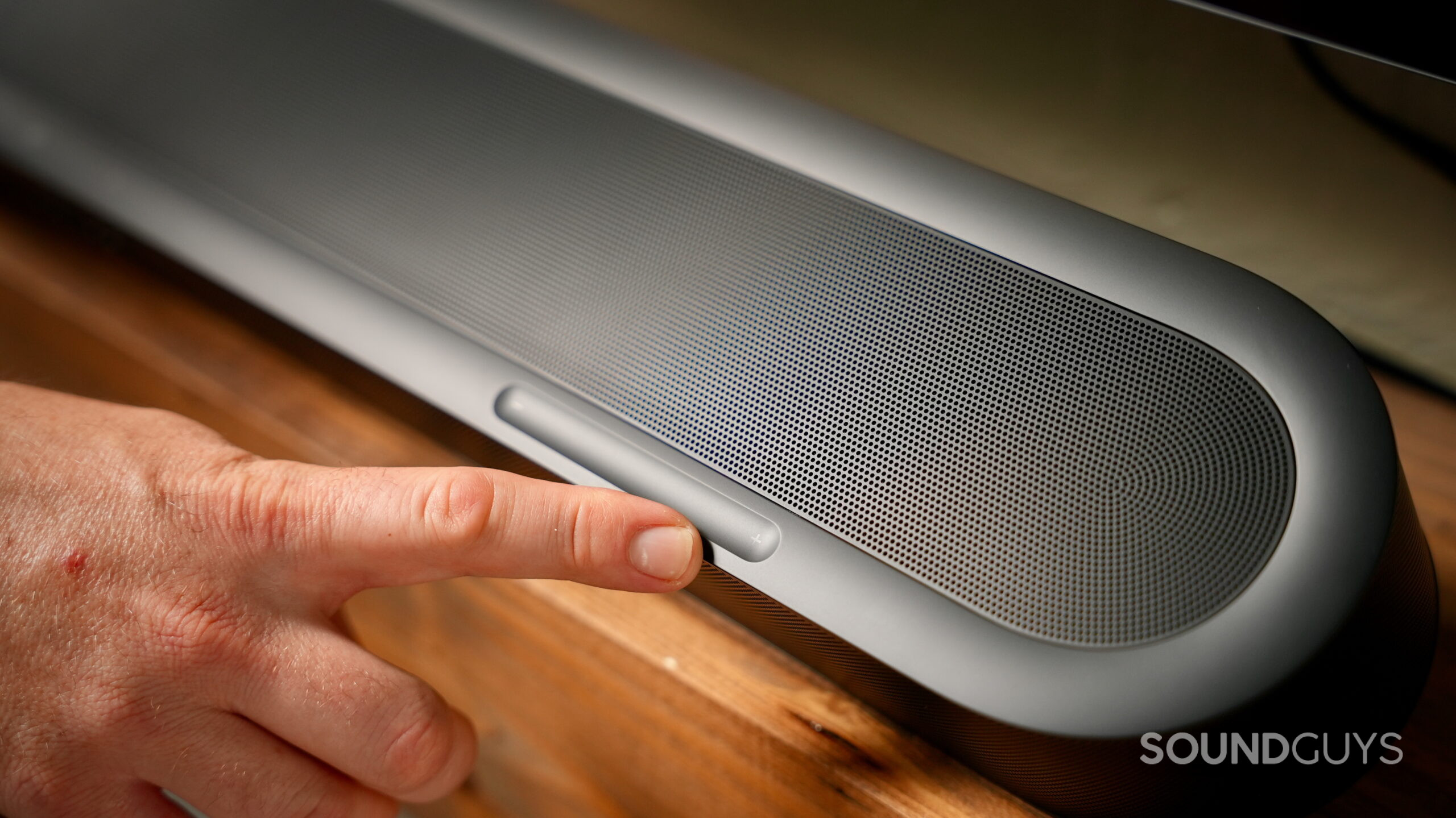
You get a noticeable sense of height, too. Bullets ricocheting overhead could extend above the soundbar rather than everything sounding like it was coming directly from underneath my TV. It’s not going to fool you into thinking there are speakers in your ceiling, and obviously, you’re not getting the same surround effect you’ll get from putting a pair of speakers behind you. Still, for one relatively small soundbar, it does a pretty convincing job of making things feel bigger than the box they’re coming from.
The bass might be the biggest surprise.
The bass might be the biggest surprise. While I was testing the Beam Ultra in our huge office, one of the guys actually stopped and asked me, “Is there a Sub hooked up?” There wasn’t. That pretty much sums it up. Explosions had good bass depth and strength without becoming boomy or getting in the way of voices. Once I brought the Beam Ultra home to my 700-square-foot apartment, I definitely didn’t feel like I desperately needed to add a Sub.
Do rear surrounds make the Sonos Beam Ultra better?
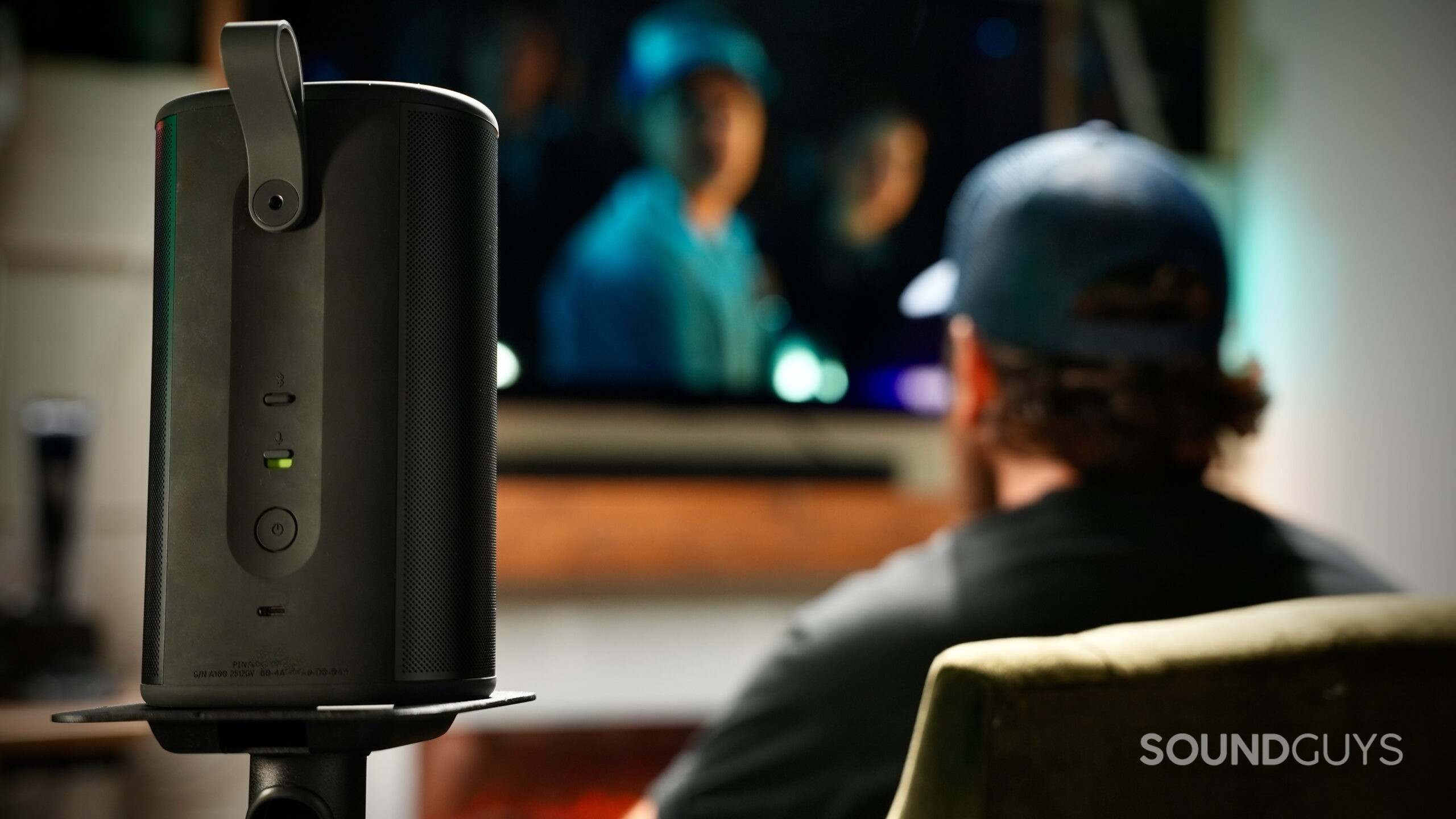
Adding two Sonos Play speakers as rears is where things really started to open up. Watching Our Universe, storms and rain surrounded me while Morgan Freeman’s narration stayed planted in front. Even the background music made more use of the room, with strings coming through the rear speakers and echoes bouncing from one side to the other.
Explosions and gunshots are one thing, but having the rear speakers add to the creepy atmosphere during the quieter scenes was a nice touch.
Stranger Things was even more fun. In Season 4, Episode 4, the machine explosion spread around the room, police cars whipped behind the couch, and an airplane actually sounded like it was approaching from behind. But it was all the smaller, creepy stuff that really sold me on the rears. A door would slam, and the reverb would carry from left to right, making the space sound more like a big concrete hall. All those weird noises and effects from the Upside Down seemed to hang around the room instead of just coming from the TV. Explosions and gunshots are one thing, but having the rear speakers add to the creepy atmosphere during the quieter scenes was a nice touch.
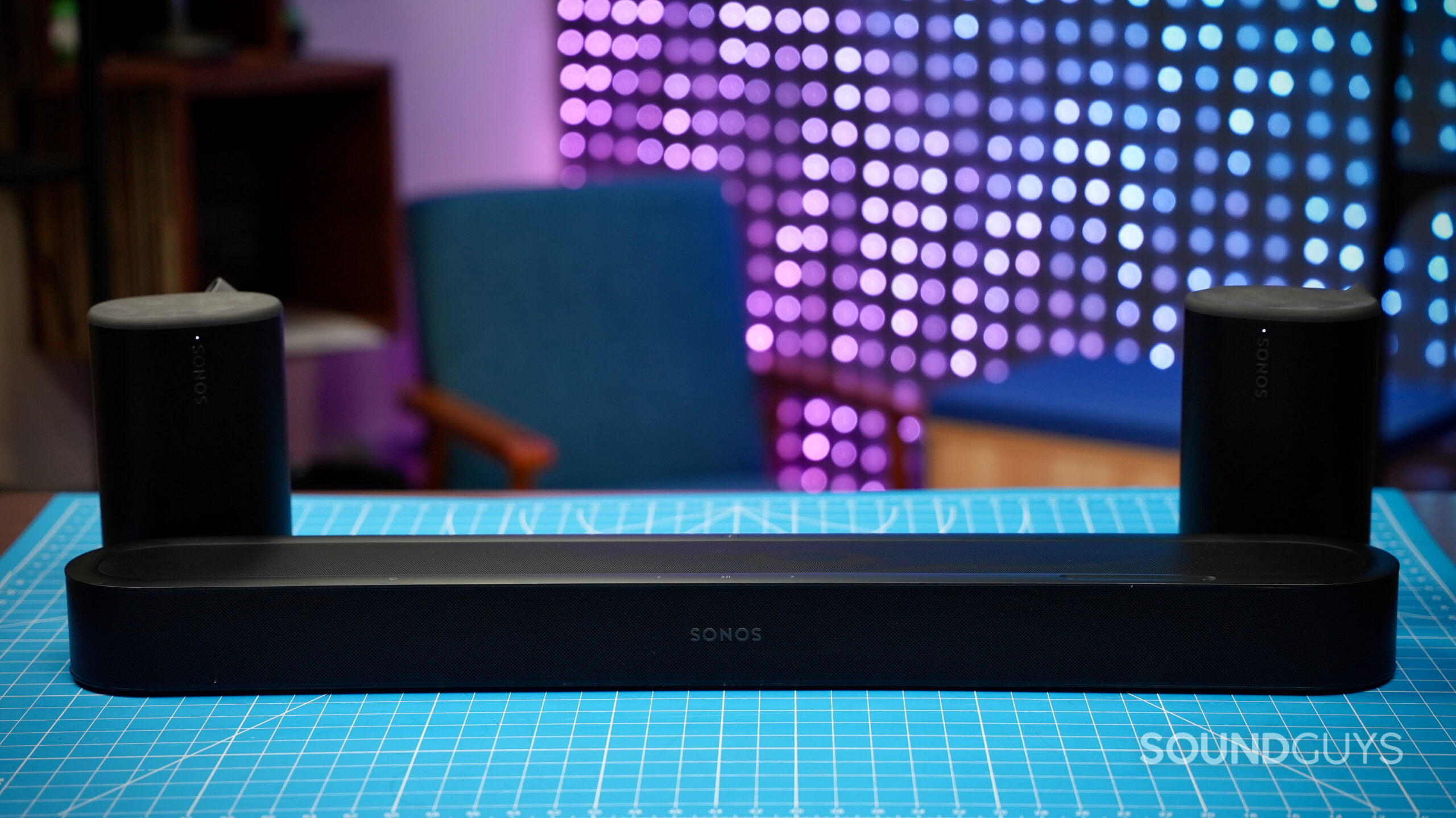
Of course, there’s nothing uniquely Sonos about surround speakers doing surround speaker things. What I like about this setup is that it pulls it off without going completely overkill. Going back and forth with the Plays made the difference pretty obvious. The Beam Ultra already gives you good width and some sense of height on its own, while adding the rears fills in what’s happening behind you. For my apartment, that’s about as complicated as I need my home theater to get.
For smaller rooms and apartments, no. The Beam Ultra has enough bass depth and strength on its own that, while I was testing it in our large office, one of my coworkers actually asked if I had a Sub connected. I didn’t. That said, if you have the space to make some noise and want more bass strength and depth, go for it. For my 700-square-foot apartment, I never felt like a Sub was necessary.
Does Speech Enhancement actually help?
I spent most of my time switching between Medium and High, and yes, Speech Enhancement actually helps. Medium worked well when the room was relatively quiet, but when the office got noisy, I’d bump it up to High. It helped avoid that hunched-forward-at-the-edge-of-your-seat, scrunching-your-face thing you do when you’re trying to figure out what somebody just said.
The difference was particularly noticeable while watching Our Universe. With Speech Enhancement turned up, Morgan Freeman’s narration had more presence and stayed right there in front of me, even with the music and environmental sounds happening around it. I also like that Sonos doesn’t bury the control several menus deep. You can toggle Speech Enhancement on and off right from the app’s main playback screen, so it’s easy to turn it up when you need it and leave it alone when you don’t.
Should you buy the Sonos Beam Ultra?
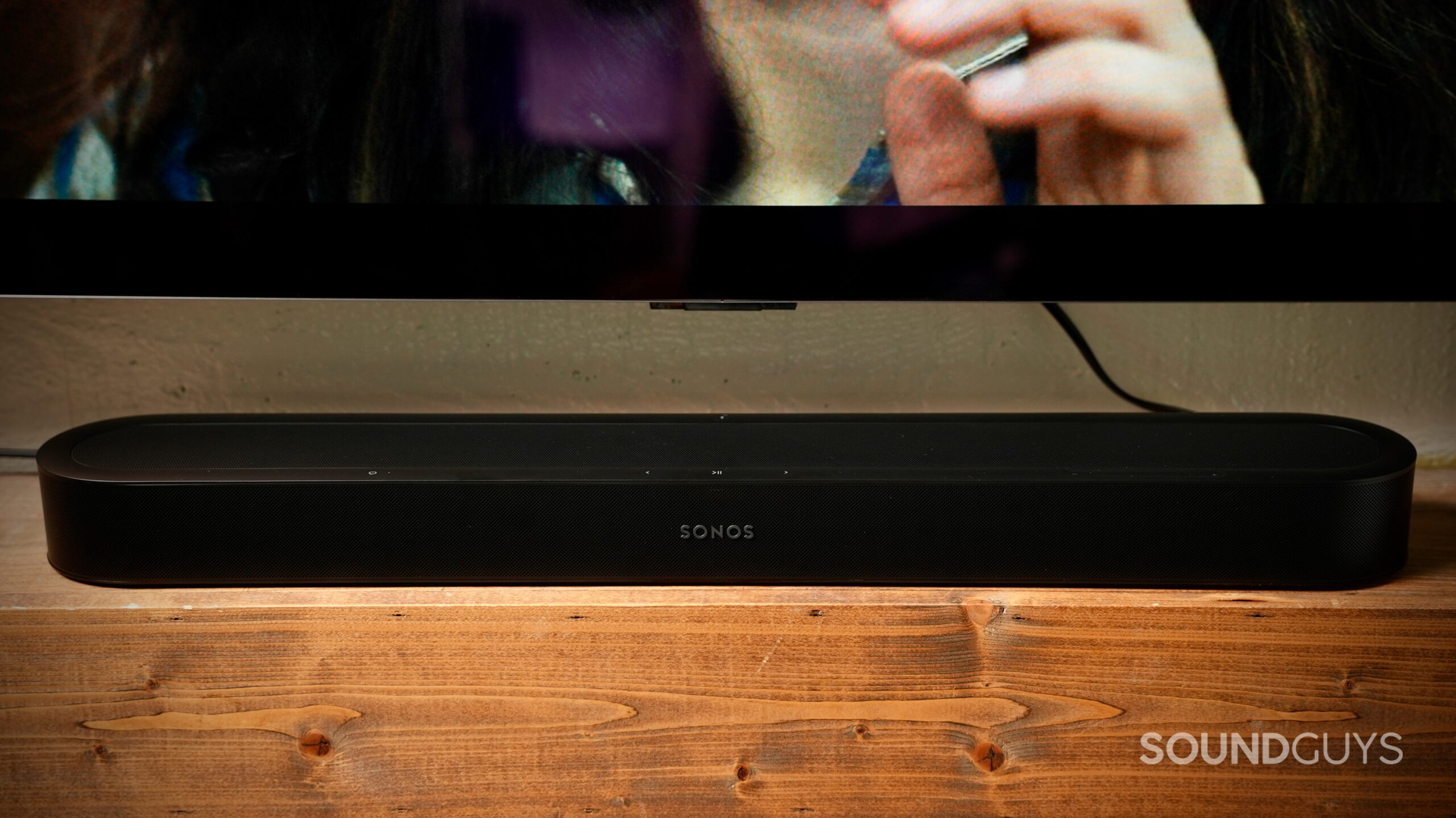
If you live in an apartment or have a smaller living room and want better sound from your TV without building an elaborate home theater, the Beam Ultra makes a lot of sense. That’s ultimately where I landed after using it in my 700-square-foot apartment. It gives you good bass depth, plenty of width, some height with Dolby Atmos content, and Speech Enhancement that I actually found useful. Most importantly, it does all of that on its own.
There’s a frankly ridiculous amount of Sonos stuff I could get into here, from voice control and Trueplay to multiroom audio and all the different ways you can expand the system. The good news is that you don’t need to use all of it. I set up the Beam Ultra, adjusted the audio settings I cared about, and mostly just used it like a normal soundbar. If you want to dig deeper into the Sonos ecosystem, you can. If you just want better sound from your TV, you can pretty much ignore the rest.
You can absolutely spend more adding a Sub and rear speakers, but I wouldn’t go into this purchase thinking you need them.
That matters because $699 is already a decent chunk of money for a soundbar. You can absolutely spend more adding a Sub and rear speakers, but I wouldn’t go into this purchase thinking you need them. I was perfectly happy using the Beam Ultra on its own, and I’d treat the Sub and surrounds as upgrades you can add later if you have the space and budget.
If you have a much bigger room and want to build a more serious home theater setup, that’s where I’d start looking at the Arc Ultra instead. But for an apartment or smaller living room, the Beam Ultra gives me pretty much what I want: it doesn’t take over the room, I don’t feel like I need a Sub, and I can make the system as simple or as complicated as I want.
Thank you for being part of our community. Read our Comment Policy before posting.