All products featured are independently chosen by us. However, SoundGuys may receive a commission on orders placed through its retail links. See our ethics statement.


Bose Lifestyle Ultra speaker review: Better than Sonos?
May 15, 2026 — 8:00 AM ET
Bose Lifestyle Ultra Speaker
Wi-Fi enabled


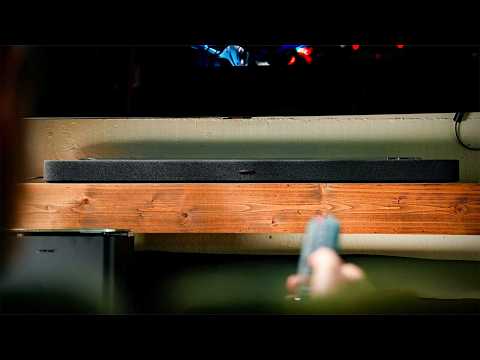
Bose is stepping up its home audio lineup with the Bose Lifestyle Ultra Speaker. With a unique three-driver design, Bose TrueSpatial processing, and support for everything from stereo pairing to multi-room audio and home theater expansion, it aims to be much more than just another smart speaker. So, should Sonos be worried? Let’s find out in this Bose Lifestyle Ultra Speaker review.
Editor’s note: This article was published on May 15th and is the first version of the article. Updates will follow as the market changes.
What’s it like to use the Bose Lifestyle Ultra?
Design
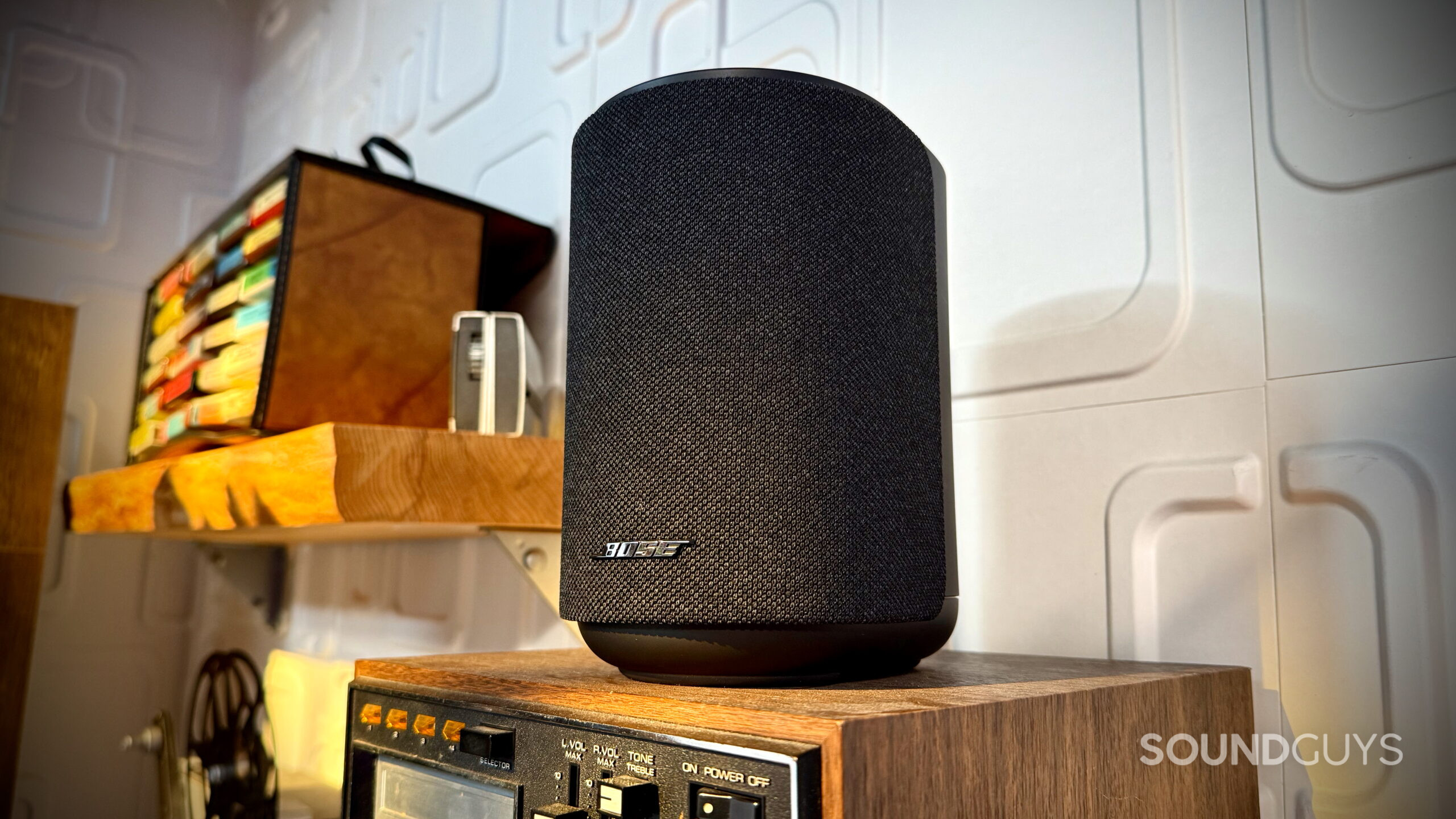
The Bose Lifestyle Ultra Speaker is intentionally designed first for home use. It’s compact enough to fit comfortably on a shelf, desk, nightstand, or kitchen counter without taking up too much space, and its overall footprint is pretty similar to that of something like the Sonos Era 100.
It’s very much a plug-in speaker, not something you casually move around the house or bring outdoors all the time. There’s no built-in battery or IP rating, and Bose clearly expects this thing to stay put once you set it up. Sure, you could bring it out onto a patio on a nice day, but Bose specifically says the Lifestyle Ultra is not designed for outdoor use.
Although you can absolutely use the Lifestyle Ultra on its own, Bose also doesn’t view this as just a standalone speaker. Like the Sonos Era lineup, the Lifestyle Ultra is designed to function as part of a larger Lifestyle home theater system, including use as rear surround speakers alongside the Bose Lifestyle Ultra Soundbar and subwoofer.
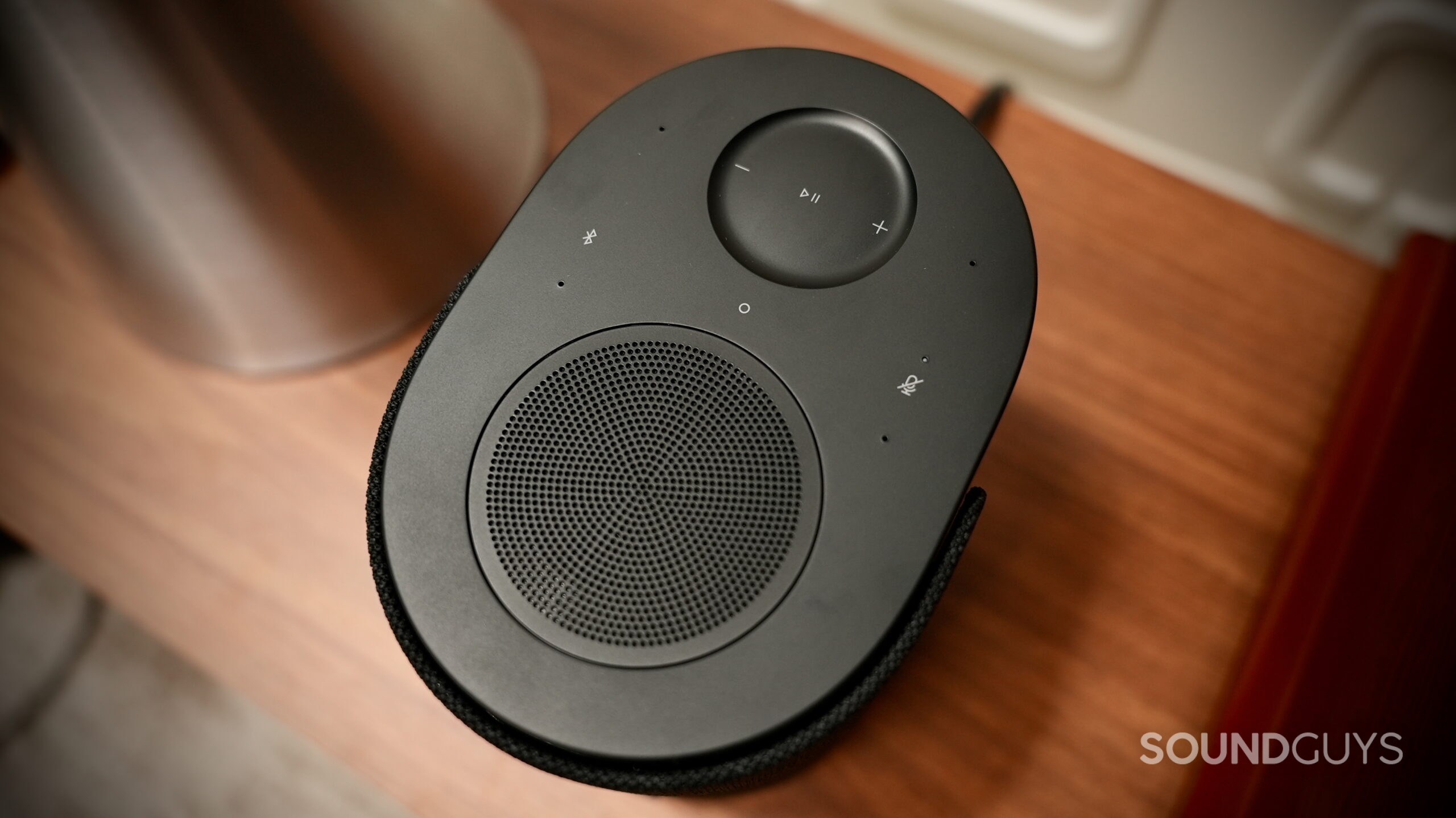
One key feature of the speaker’s design is the upward-firing driver mounted on the top of the enclosure. Bose combines that with its TrueSpatial processing, which is designed to help spread sound around the room a bit more than a traditional forward-facing speaker. Because of that design, placement matters more here than with a typical Bluetooth speaker.
It’s worth noting that Bose recommends avoiding enclosed shelves or cabinets, as blocking the upward-firing driver can noticeably affect performance. The company also recommends leaving at least a couple of inches between the speaker and the wall to help prevent excessive bass buildup. So at home, the Lifestyle Ultra works best when placed out in the open rather than tucked away in furniture, so it’s important to consider where you plan to place your speaker.
Features
The Bose app is really where the Lifestyle Ultra starts to make sense as part of a larger ecosystem product rather than just a standalone speaker. In the app, you can group speakers for multi-room playback, create a stereo pair, adjust EQ settings, configure the customizable shortcut button, or integrate the Lifestyle Ultra into a larger Bose Lifestyle home theater setup as rear speakers.
Unfortunately, setup wasn’t completely seamless in my experience. Getting everything connected and properly configured took a bit of patience, especially when setting up a stereo pair and reconnecting the speakers across different Wi-Fi networks between my home and office. I ended up restarting the speakers and the app multiple times during setup. Once everything was finally connected, I also had to sit through roughly a 20-minute firmware update before I could really start using them. Altogether, getting the pair fully up and running took about an hour of my morning.
Once configured, though, the system feels much smoother day to day. The app itself isn’t overly packed, and it’s fairly easy to navigate.
How does the Bose Lifestyle Ultra connect?
The Bose Lifestyle Ultra Speaker supports just about every major wireless connection standard you’d expect from a premium smart speaker. For wireless playback, the Lifestyle Ultra supports Apple AirPlay, Google Cast, Spotify Connect, Bluetooth 5.3, and the all-new Alexa+ voice controls for hands-free playback, smart home management, and voice assistant features.
More importantly, Wi-Fi streaming support lets you access lossless audio from services like Apple Music and TIDAL, which is how a speaker like this is meant to be used most of the time. Personally, I’m also just a big fan of AirPlay for casual listening around the house, since you don’t get annoying things like Instagram videos, TikToks, or notification sounds suddenly blasting through your speakers like you sometimes do over standard Bluetooth playback.
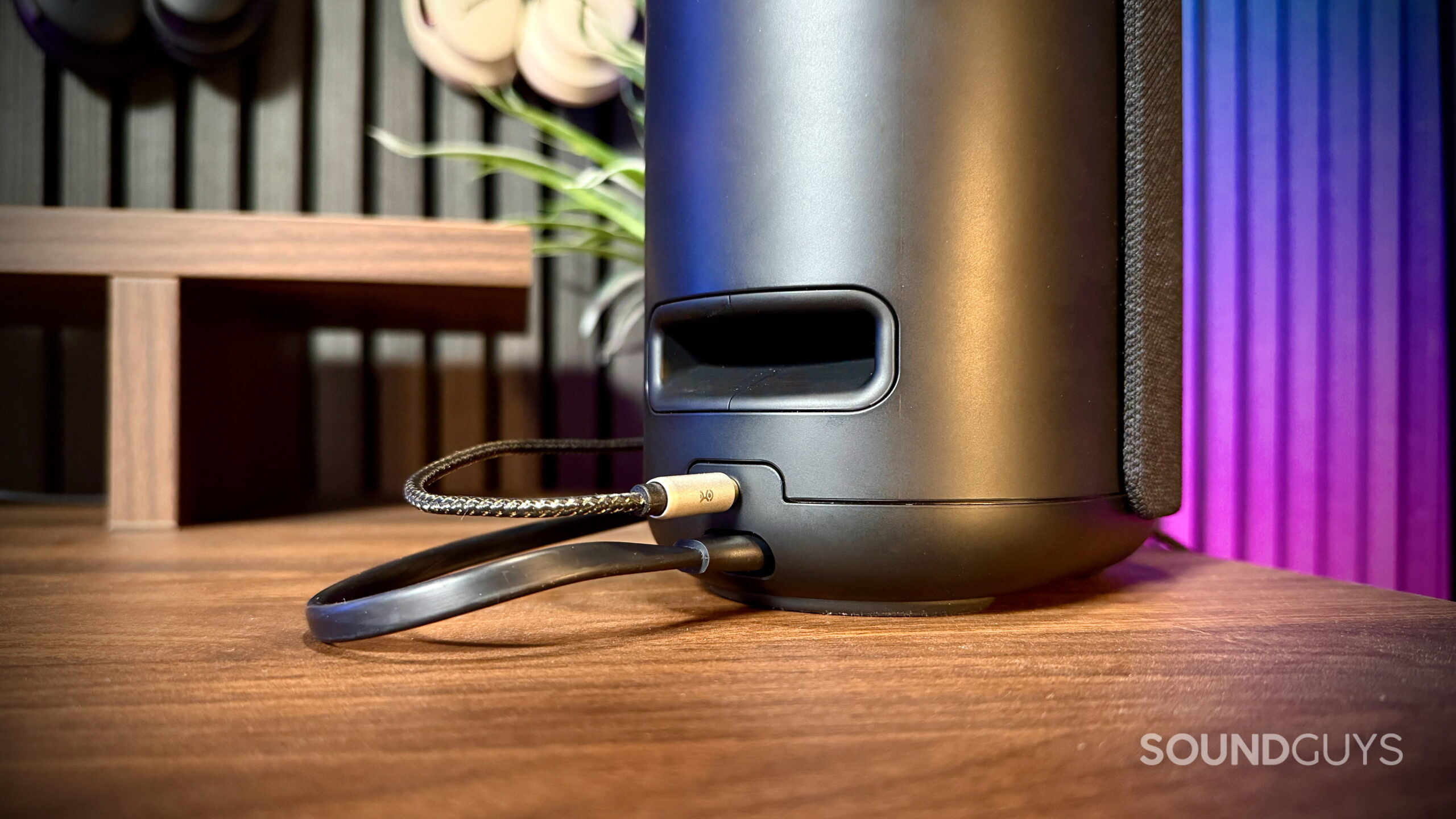
Wired connectivity is also an option. Bose includes a 3.5mm AUX input around back, which is becoming increasingly rare on premium home speakers. That makes the Lifestyle Ultra a bit more flexible if you want to connect something like a turntable with a phono preamp or another analog audio source.
How long does the Bose Lifestyle Ultra’s battery last?
The Bose Lifestyle Ultra Speaker doesn’t have a built-in battery, so it needs to stay plugged into wall power at all times. It’s designed more like a premium home speaker than a portable Bluetooth speaker.
How does the Bose Lifestyle Ultra sound?
The Bose Lifestyle Ultra Speaker delivers a full, enjoyable listening experience with enough power to comfortably fill a living room. While it works perfectly well on its own, the speaker really shines when used as part of a stereo pair.
Editor’s note: this review uses a hover-enabled glossary to describe sound quality based on a consensus vocabulary. You can read about it here.
No. The Bose Lifestyle Ultra Speaker includes built-in microphones for Alexa voice controls, along with a physical microphone mute button on the top of the speaker, but you’ll still have to pick up your phone the old-fashioned way.
Should you buy the Bose Lifestyle Ultra?
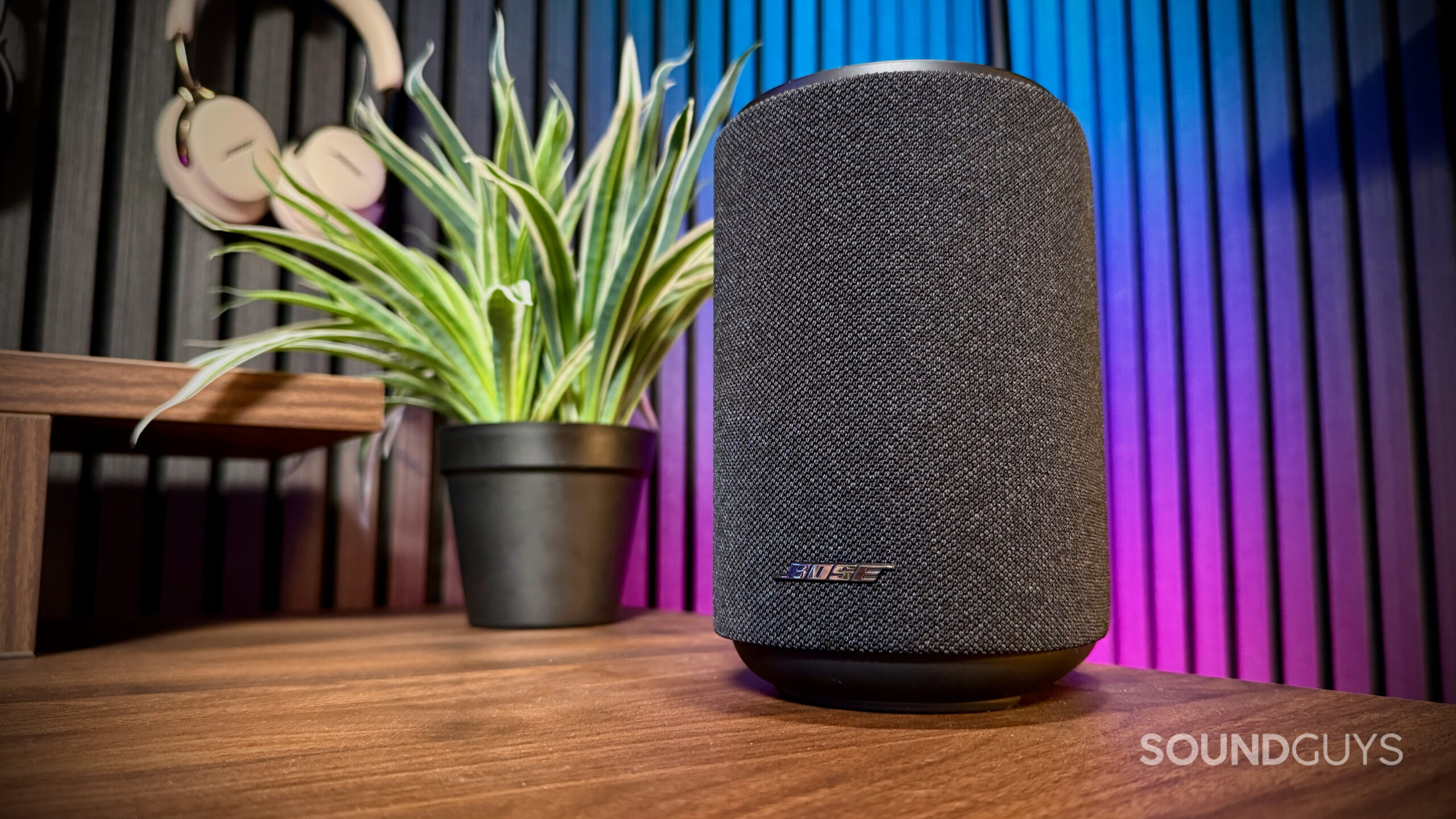
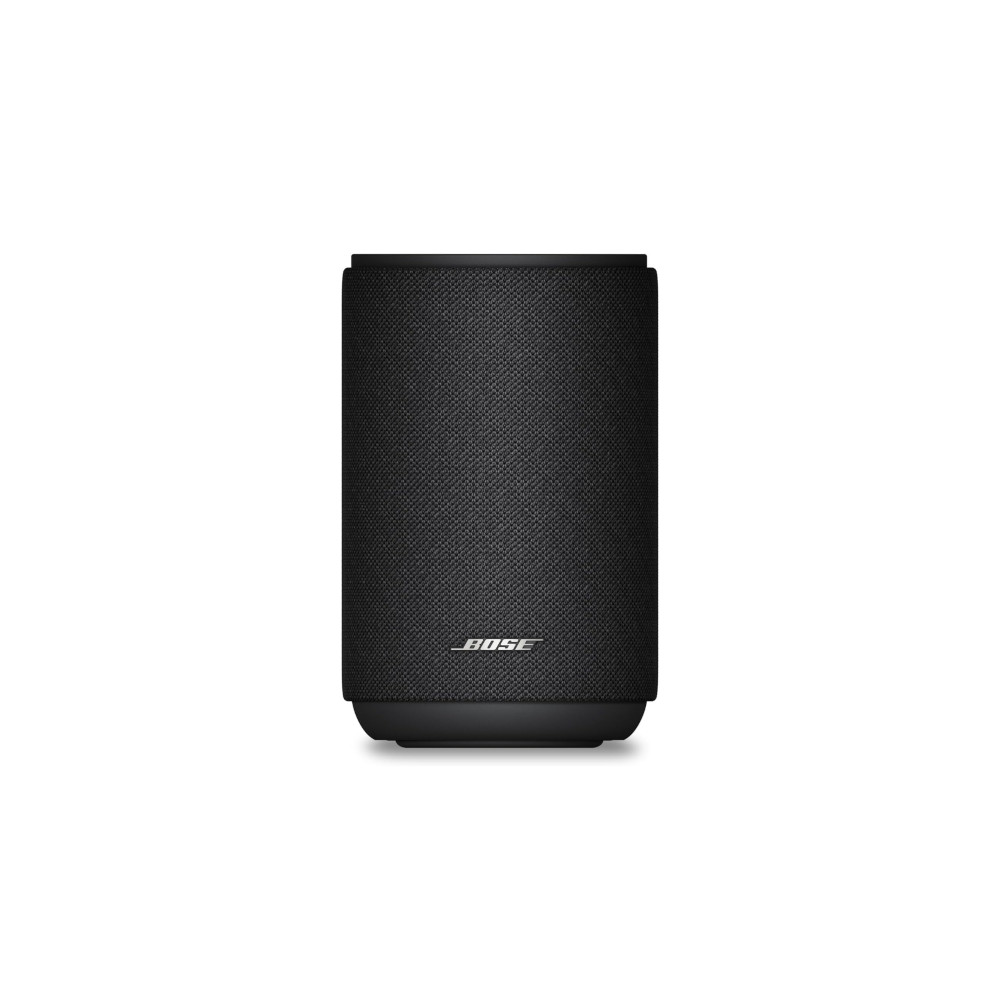
If you’re looking for a compact premium home speaker that can grow into a larger multi-room or home theater setup over time, the Bose Lifestyle Ultra Speaker makes a compelling case at $299. It delivers a full listening experience for its size, supports nearly every major wireless streaming platform, and sounds especially immersive once paired in stereo.
That said, this isn’t really a casual Bluetooth speaker you toss in different rooms or bring outside regularly. Bose clearly designed the Lifestyle Ultra as a stay-at-home audio product, and the experience makes the most sense if you plan to build around the Bose Lifestyle Ultra Soundbar.
Setup is the weakest part of the experience. Getting the speakers connected, updated, and stereo-paired took more patience than I expected from a premium smart speaker at this price point. Once everything was configured, though, the day-to-day experience became much smoother.
Overall, the Bose Lifestyle Ultra succeeds as a compact home speaker with strong sound quality, wide streaming support, and enough flexibility to expand into a much larger system later on. If that’s the kind of speaker you’re looking for, it’s easy to recommend.
What should you get instead of the Bose Lifestyle Ultra?
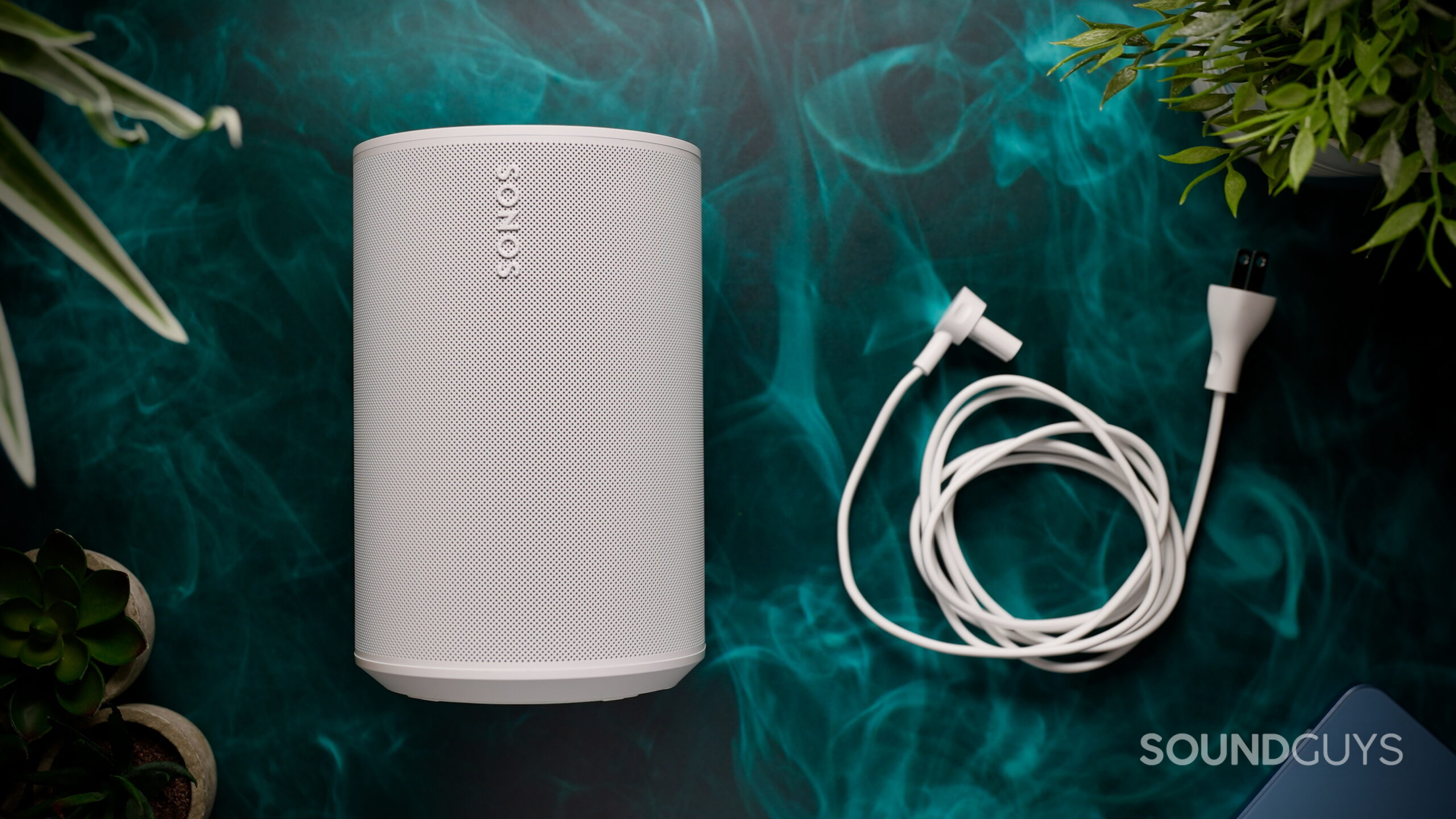
If you want a similar compact smart speaker experience with an even more established ecosystem behind it, the Sonos Era 100 ($189 at Amazon) is one of the Lifestyle Ultra’s biggest competitors. It offers a similarly compact design, strong multi-room support, stereo pairing, and integration into a larger home theater setup through the Sonos ecosystem, although unlike the Bose, it doesn’t feature an upward-firing driver.

Otherwise, if you’re simply looking for a Bose speaker you can casually move around the house or bring outdoors, the Bose SoundLink Flex ($149 at Amazon) and Bose SoundLink Max ($299 at Amazon) are probably better fits. Both are portable Bluetooth speakers with IP67 ratings, built-in batteries, and much better suitability for outdoor use, beach days, camping trips, or backyard listening.
Thank you for being part of our community. Read our Comment Policy before posting.