All products featured are independently chosen by us. However, SoundGuys may receive a commission on orders placed through its retail links. See our ethics statement.
Google Pixel Buds Pro 2 vs Samsung Galaxy Buds3 Pro: Who's the real pro?
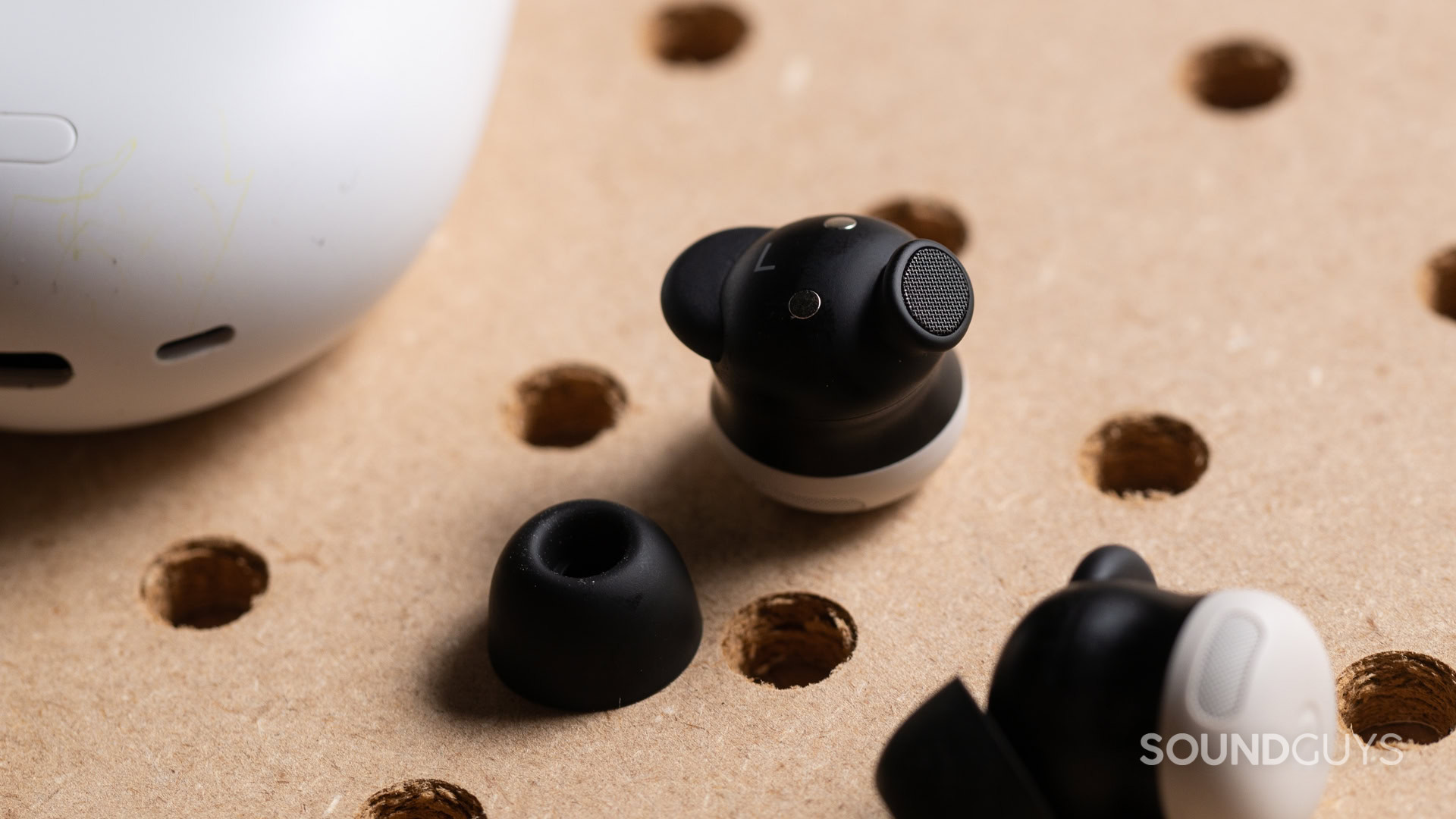
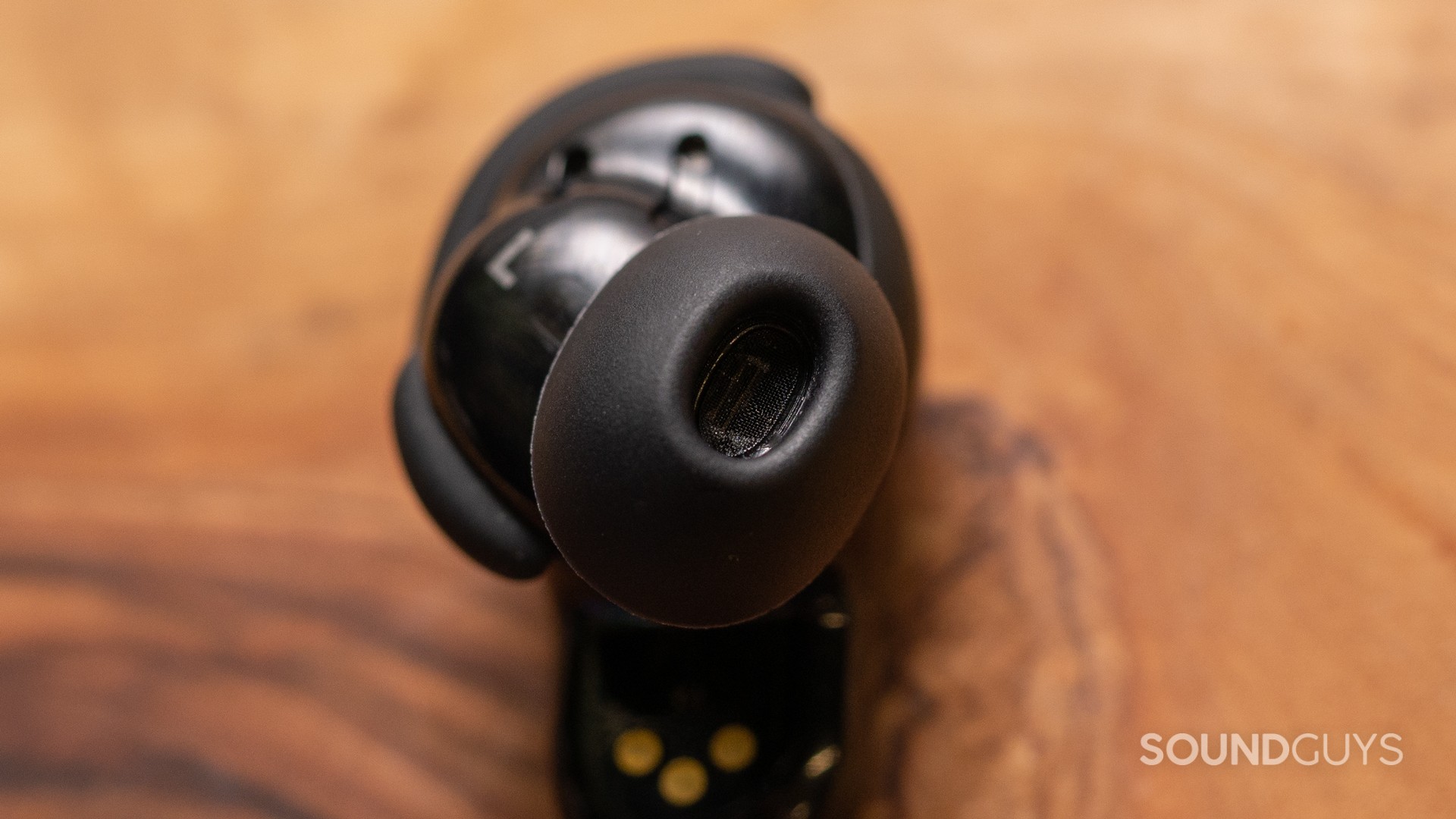


Google and Samsung both swung hard at “flagship ANC earbuds for their phone ecosystems,” but they got there in pretty different ways. In my testing and reading of our reviews, the Google Pixel Buds Pro 2 lean into comfort, smart Pixel-native convenience, and new tuning, while the Samsung Galaxy Buds3 Pro pile on features (especially Galaxy AI) and chase higher-end audio hardware. Here’s how they stack up.
What’s it like to use the Pixel Buds 2 Pro compared to the Galaxy Buds3 Pro?
The Google Pixel Buds Pro 2 are much smaller and lighter than the first-gen model, and that redesign pays off in daily use. I really enjoy the oval-shaped nozzle and soft rubber fin, because the earbuds stay planted even with a lot of movement. With the right ear tips, the fit feels ergonomic and stable enough for running, and the IP54 rating means sweat and rain are fine (just not a shower). The case is smooth, pocketable, and adds a Find My Device speaker that can chirp if you lose it.
The Samsung Galaxy Buds3 Pro go the “lollipop-and-stem” route. I found that design clever for stability, and the removable nozzle ear tips make it easier for different ear shapes to get a seal. Still, comfort is more mixed: I could listen for about an hour at a time before heat and sweat made the fit harder to maintain. On durability, Samsung wins on paper with IP57, meaning the earbuds can survive a quick dunk, and they’re a strong workout pick. The case is slim with a clear lid and supports wireless charging. One practical note from the review: the ear tips aren’t fragile, but you need to pull them off from the top to avoid tearing them.
Controls differ a lot. Pixel keeps simple taps and swipes that feel familiar and predictable, while Samsung uses pinches and swipes on the stems—and the pinch zone sits lower than you might expect, which can be confusing. Samsung also offers voice commands, but I found it a little too easy for bystanders to trigger them, which made me leave that feature off more often than not.
Do the Pixel Buds 2 Pro or Galaxy Buds3 Pro have more features?
Both earbuds are feature-heavy, but Samsung is the clear winner on sheer breadth—if you have a Samsung phone. The Galaxy Buds3 Pro rely on the Galaxy Wearable app for key extras like adaptive noise control, AI translation, 360 audio, Find My, and voice commands. The real-time interpreter mode works well in quieter settings and can be a lifesaver for travel, though it struggles more in noisy environments. There are also blade-stem lights and siren detection tied into adaptive ANC behaviors.
The Pixel Buds Pro 2 also push AI, using Gemini integration and conversation detection that pauses music and turns on transparency. I personally liked the convenience in places like coffee shops, even if I wished it were easier to toggle off. Spatial audio is here too, and the Tensor A1 chip is meant to keep ANC and audio processing from stepping on each other. The big caveat: some features are Pixel-only, so you get the best experience inside Google’s ecosystem.
How do the Pixel Buds 2 Pro and Galaxy Buds3 Pro connect?
Both earbuds use Bluetooth 5.4. The Pixel Buds Pro 2 support SBC and AAC, and Google says LC3 is coming. They also support Bluetooth multipoint, and I like that device management lives right in the earbuds’ settings on Android without needing a separate app.
The Galaxy Buds3 Pro support SBC, AAC, Samsung Scalable Codec, and Samsung Seamless Codec. Higher-bitrate listening (up to 24-bit/96kHz) only works on relatively new Samsung devices with One UI 6.1.1 or later. Samsung also includes Auracast support.
Is battery life better on the Pixel Buds 2 Pro or Galaxy Buds3 Pro?
Pixel wins this one pretty decisively. The Google Pixel Buds Pro 2 lasted 7 hours and 55 minutes in our standardized test with ANC on, basically matching Google’s claims. Charging is via USB-C or Qi wireless, and Google says 5 minutes of charging gets about 1.5 hours of listening.
The Samsung Galaxy Buds3 Pro ran 4 hours and 31 minutes in the same kind of testing, which I found a bit disappointing at this price. Samsung doesn’t list fast charging, though we expect reasonably quick top-ups given typical earbud battery sizes. Still, shorter battery life means more charge cycles and potentially shorter long-term lifespan.
Do the Pixel Buds 2 Pro or Galaxy Buds3 Pro block noise better?
Loading chart ...
The Pixel Buds Pro 2 do a “standard but really good” job for the class. With a solid fit, I measured about 80% attenuation of outside noise with ANC enabled. It’s not the absolute best-in-class, but it’s close enough that most people won’t feel shortchanged. Transparency mode is strong too—I could hold conversations easily, and it gave me that weird “am I even wearing earbuds?” sensation, aside from the fact that sidetone wasn’t perfect.
The Galaxy Buds3 Pro physically block noise well, but ANC is only decent. You get about 57% reduction without ANC and around 76% with ANC on. In my own gut check (and Adam’s), I could still hear too much around me on commutes compared to the prior Galaxy Buds2 Pro. Transparency/ambient mode is quite decent and includes sidetone, but it doesn’t fully erase that “blocked ears” feeling.
Do the Pixel Buds 2 Pro sound better than the Galaxy Buds3 Pro?
Overall, both earbuds sound good, but Samsung comes out ahead on objective scoring and “out of the box” crowd-pleasing tuning—provided the default bass and highs suit you. Pixel’s new tuning is more restrained and a bit brighter than the first-gen Pixel Buds Pro, and I think most listeners will like it, especially with EQ tweaks.
Multi-Dimensional Audio Quality Scores (MDAQS)

On Multi-Dimensional Audio Quality Scores (MDAQS), the Pixel Buds Pro 2 score Timbre 4.4, Distortion 4.4, Immersiveness 3.9, Overall 4.5. That reads to me like solid, well-rounded performance without a glaring weakness. Firmware v2.1117 notably improves Distortion. I also found the EQ presets useful: if you want more bass strength, Heavy Bass raises it a lot (while showing a weird drop in perceived Distortion ratings), and the other presets cover most tastes.
The Galaxy Buds3 Pro score higher: Timbre 4.9, Distortion 3.3, Immersiveness 4.7, Overall 4.8 in default mode, and the Clear EQ preset bumps Distortion to 4.2 with Overall 4.9. In practice, I hear a stronger bass shelf and a more “v-shaped” default sound. The bass is strong and helps against outside noise, while the highs are emphasized enough that shrill moments can get fatiguing for me at higher volumes. Switching to the Clear preset makes the sound feel more natural to my ears, taming the highs and keeping a full, detailed presentation.
- Timbre (MOS-T) represents how faithfully the headphones reproduce the frequency spectrum and temporal resolution (timing information).
- Distortion (MOS-D) represents non-linearities and added noise: higher scores mean cleaner reproduction.
- Immersiveness (MOS-I) represents perceived source width and positioning: how well virtual sound sources are defined in three-dimensional space.
Objective Measurements
Loading chart ...
Frequency-response-wise, Pixel goes for less bass overemphasis and more treble extension than last time, with a slight mid/high deviation and a 2kHz area that can make sibilance more noticeable if you crank the volume. Samsung defaults to about a 5dB bass overemphasis and a pronounced high-frequency lift from 4kHz to 9kHz, plus solid treble extension that’s easier to tone down with EQ than to “recover” if it were missing.
Do the Pixel Buds 2 Pro or Galaxy Buds3 Pro have a better microphone?
Both earbuds perform well in call quality, but they have different strengths.
Both earbuds are capable for calls, but each has ecosystem-locked perks. Pixel’s super wideband calling needs a Pixel 8 or newer, and Clear Calling needs a Pixel 7 or newer. In our demos, the Pixel Buds Pro 2 reject noise well, though that comes at some cost to voice quality.
Samsung supports super wideband calls too (recording up to 16kHz). In our lab samples, I couldn’t get much noise reduction from the Buds3 Pro microphones, and results may depend on the app or future firmware. So if you take a lot of noisy-environment calls, Pixel’s noise rejection looks more dependable based on what we measured.
Pixel Buds 2 Pro microphone demo (Ideal conditions):
Galaxy Buds3 Pro microphone demo (Ideal conditions):
Pixel Buds 2 Pro microphone demo (Street conditions):
Galaxy Buds3 Pro microphone demo (Street conditions):
Which microphone sounds best to you?
Google Pixel Buds Pro 2 vs Samsung Galaxy Buds3 Pro: Price and availability
The Google Pixel Buds Pro 2 launch at $229 at Amazon. The Samsung Galaxy Buds3 Pro cost $249.99 at Amazon. Samsung briefly halted shipping due to early production issues, but has since resumed sales and shipments, making them broadly available again now.
Should you get the Pixel Buds 2 Pro or Galaxy Buds3 Pro?
If you’re a Pixel owner (or just a general Android user who wants an app-free setup), I’d point you toward the Google Pixel Buds Pro 2. I like their smaller, more secure fit, reliable multipoint, better battery life, and stronger ANC. The sound is well-balanced for most people, and the EQ presets are genuinely useful if you want more bass strength or a different tone.
If you have a newer Samsung phone and want to take advantage of every Galaxy AI and ecosystem feature, the Samsung Galaxy Buds3 Pro make sense. Their audio hardware and MDAQS scores are excellent, and with the Clear EQ preset, I find the tuning very easy to enjoy. Just go in knowing ANC is a step behind the price-class leaders, controls take getting used to, and battery life is short for flagship earbuds.
In other words, Pixel Buds Pro 2 are the better all-around daily driver; Galaxy Buds3 Pro are the better “Samsung-first feature monster” with top-tier sound—if you can live with the tradeoffs.


Which earbuds would you buy?
Frequently asked questions
Yes, both earbuds are compatible with iPhones, but some advanced features may be limited to their respective Android ecosystems.
Yes, both earbuds support wireless charging.
Yes, the Pixel Buds Pro 2 comes with multiple sizes of ear tips for a customizable fit.
Yes, both earbuds support multipoint connectivity, allowing them to connect to multiple devices simultaneously.
Thank you for being part of our community. Read our Comment Policy before posting.