All products featured are independently chosen by us. However, SoundGuys may receive a commission on orders placed through its retail links. See our ethics statement.
Razer brings pro audio features to the new Seiren V3 Pro mic
Jun 10, 2026 — 7:52 PM ET


- The Razer Seiren features dual connectivity: USB-C and XLR.
- The microphone uses a 30mm dynamic capsule with a cardioid polar pattern.
- Audio processing is on the microphone, so it won’t affect computer performance.
Razer is highly regarded in the gaming sphere: you see them in e-sports and, increasingly, in streams and podcasts. To that end, Razer just released the Seiren V3 Pro dynamic microphone, built for professional streamers, with a modern look and new features. Is it worth putting on the wishlist?
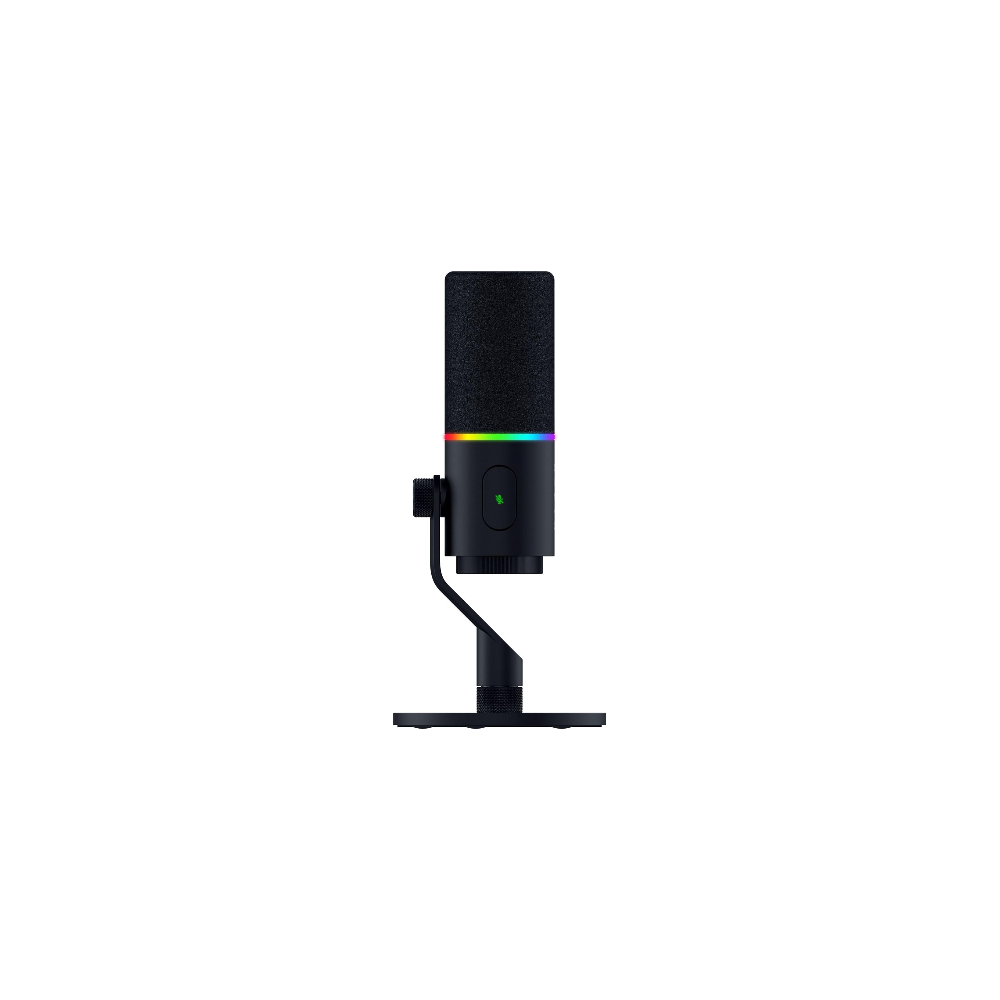
As with Razer’s gaming products, there’s a ton of RGB, and the ring doubles as a mute or audio level indicator. You can also adjust the recording volume using the volume scroll at the bottom of the microphone. That way, you don’t have to tab out of your game to make adjustments. The microphone’s body is a metal zinc alloy, housing a 30mm dynamic capsule with a built-in shock mount. So it should not only reject most background noise, but also if you slam into the desk when getting second place.

The Seiren V3 Pro has new features, including dual connectivity. It has both an XLR port for those that already have a microphone interface, and a USB-C port for plug-and-play compatibility out of the box. Razer Synapse can now record in 32-bit floating-point format and includes audio processing effects such as AI noise removal, a volume limiter, an audio compressor, and an expander. All of these, Razer says, are processed directly by the microphone, which means you don’t have to take power from the stream or game. However, the 32-bit float recording isn’t a Razer-specific feature, as many free recording software can record in the 32-bit file format. Razer Synapse also guides you through the process, making it easy.
The Razer Seiren V3 Pro is available now for $249.99 directly on the Razer website. Considering that a decent studio microphone costs about $150, and another $150 for an audio interface, it looks like a great value. If you do want to connect the microphone to a dedicated interface, the XLR port on the microphone comes in handy. However, you’re unlikely to need it, as the features are accessible through Razer Synapse. The aesthetics are great too, sleek and modern. If you would like a quieter look, you can always turn off the RGB.
Thank you for being part of our community. Read our Comment Policy before posting.